
Mini Preview
Display a mini preview when editing a WordPress page or post.
Easy, convenient, time-saving and free. Download today!
Please consider supporting the development of Mini Preview. Even a small donation helps to make Mini Preview the best WordPress preview plugin. Thank you!
Features
WordPress Plugin
Mini Preview is compatible with WordPress
Responsive Views
Preview your content on multiple display sizes.
Auto Refresh
Mini Preview window automatically refreshes when you save.
How It Works
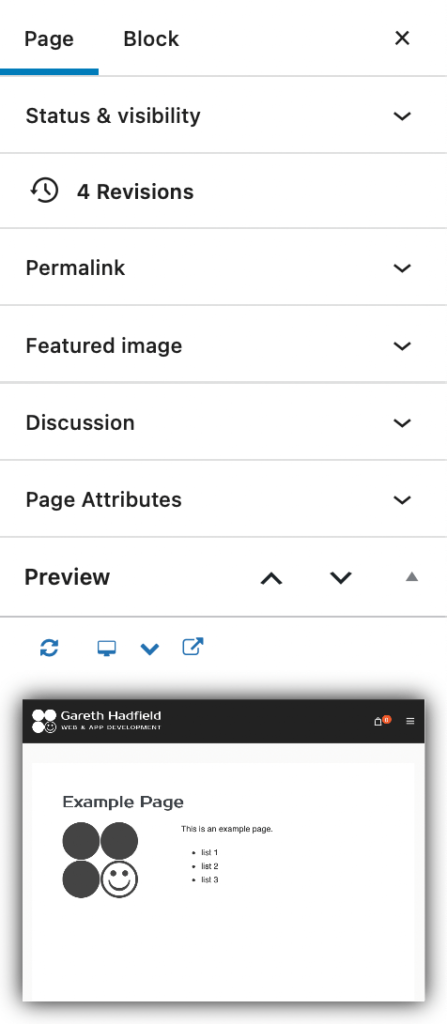
This WordPress plugin displays a mini preview window on the edit post or edit page screen.
Mini Preview sits in the Page or Post tab when you are editing a page or post in WordPress.
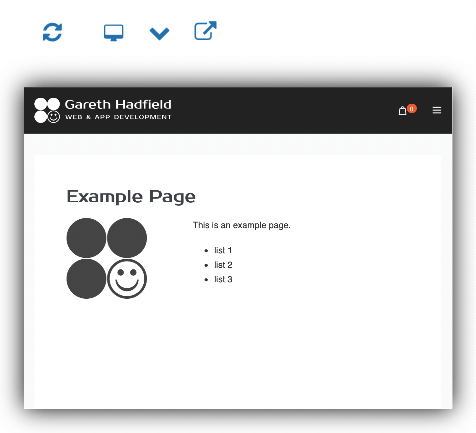
Buttons above the preview window provide for Refresh, various Display Sizes, and Preview in New Tab.
The preview window is a fully-functional, interactive mini browser showing exactly what the page will look like, except in miniature.
Documentation
For more documentation see the Knowledge Base.
Installation
- Download the file mini-preview.zip from WordPress.org. Or search the WordPress Plugins Repository for Mini Preview.
- Upload the plugin files to the `/wp-content/plugins/plugin-name` directory, or install the plugin through the WordPress plugins screen directly.
- Activate the plugin through the ‘Plugins’ screen in WordPress